Move a license to another Mac
Seeing This key is already active on the maximum number of Macs? Unlink a Mac first. How many Macs your license covers is on plans.
Unlink a Mac
On the Mac you no longer want to use, open Settings ▸ License, click Unlink This Mac…, then Unlink. Your library and chats stay.
Then, on the new Mac, choose Settings ▸ License ▸ Enter License Key….
The License Manager shows how many of your Macs are in use.
The old Mac is gone
Unlink it yourself in Lemon Squeezy:
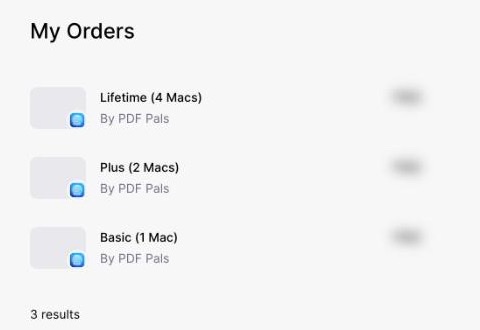
- Open My Orders and sign in with the email you bought with. Choose your PDF Pals order.
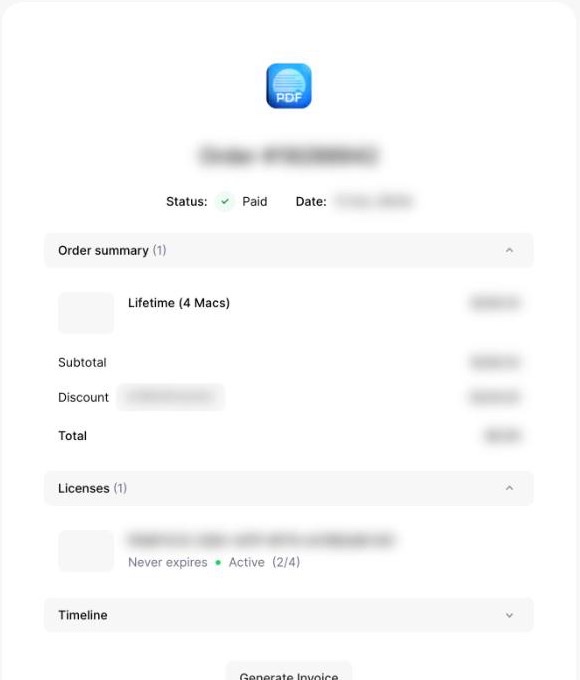
- Under Licenses, click your license key.
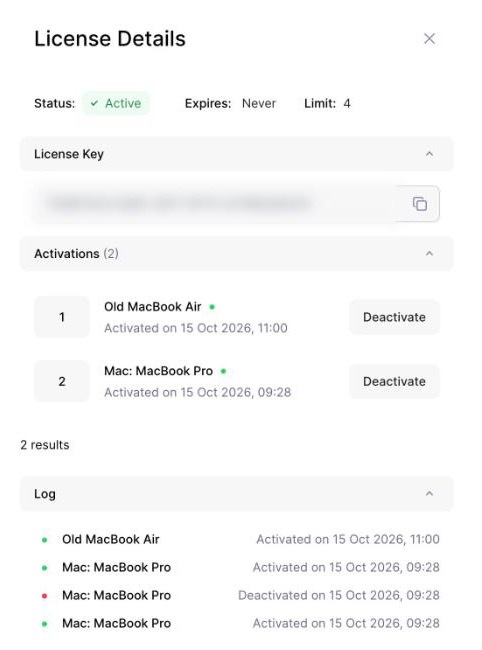
- Under Activations, click Deactivate next to the Mac you no longer use.
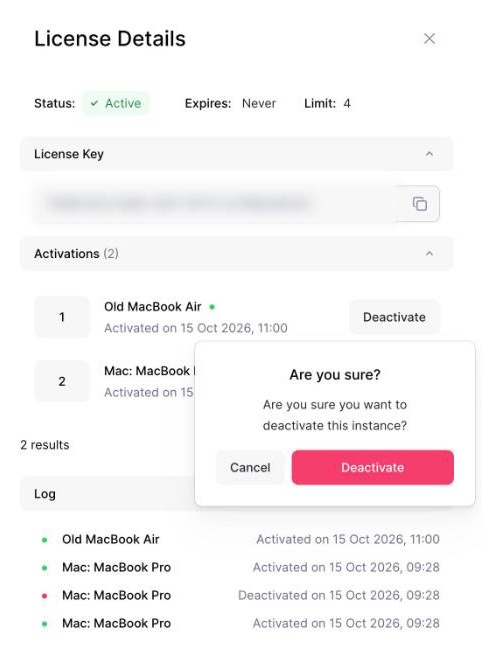
- Click Deactivate again to confirm. Then activate the key on your new Mac.
Other activation errors: see troubleshooting.
