Use your own API key
You pay the provider directly. A ChatGPT or Claude subscription doesn't include API access, and an API key is not your PDF Pals license key.
Get an API key
- OpenAI: platform.openai.com/api-keys
- Anthropic (Claude): platform.claude.com/settings/keys
- Google AI (Gemini): aistudio.google.com/app/apikey
- OpenRouter (many models with one key): openrouter.ai/keys
- Mistral: console.mistral.ai/api-keys
- Perplexity: console.perplexity.ai
- Groq: console.groq.com/keys
- Together AI: api.together.xyz/settings/api-keys
Most providers need billing or credits first. For Azure, see Azure OpenAI; for Ollama and LM Studio, see local servers.
Add a provider
- Open Settings ▸ AI Providers and click + (or Add Provider).
- Choose the provider and click Next.
- Enter a Name and paste the API key. Leave Base URL empty for the default.
- Click Next.
- Choose Automatically include all provider models or Use selected models only, then click Add Provider.
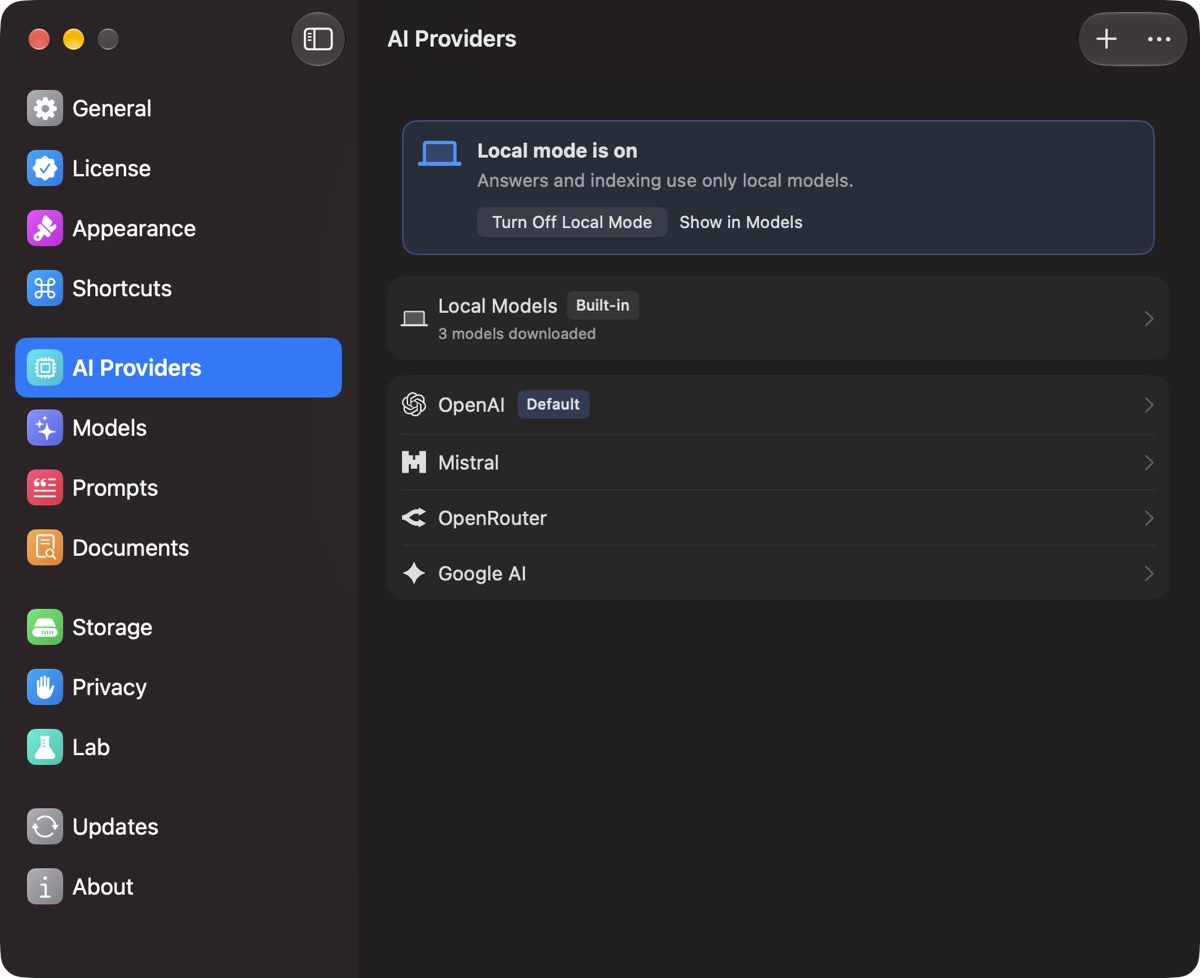
Right-click a provider for Test Connection. On its page, Refresh updates the model list and Manage Models… picks which are shown.
Choose the model PDF Pals uses
- All chats: Settings ▸ Models ▸ Answer model, or right-click a provider and choose Set as Default.
- One chat: click the model button next to the question field.
Indexing uses the Embedding model in Settings ▸ Models. In the website edition, OpenAI text-embedding-3-small sends document text to OpenAI; the local search model doesn't.
Prompt caching
For OpenAI, Anthropic and OpenRouter, Prompt caching on the provider's page makes follow-ups cheaper; the first question can cost up to 25% more.
