Customize PDF Pals
General
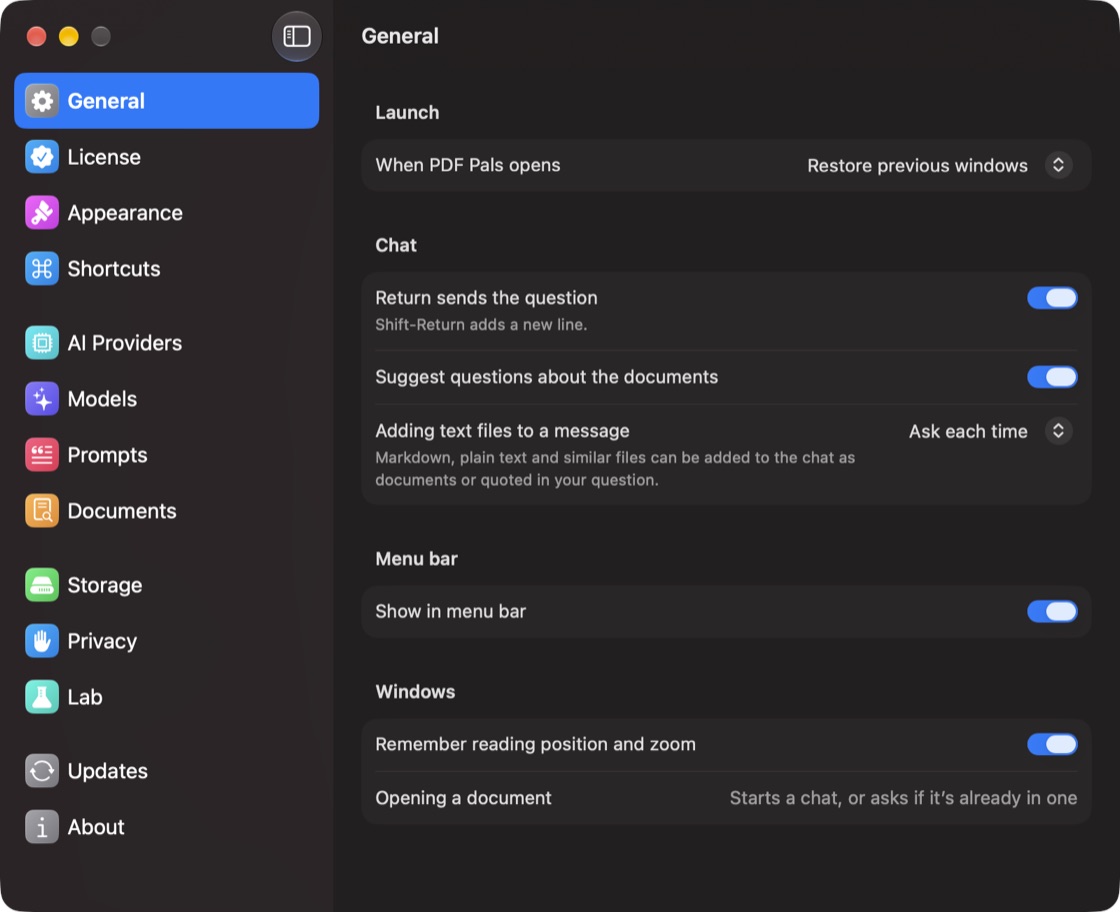
- When PDF Pals opens: Restore previous windows or Open Library.
- Return sends the question: turn off to send with ⌘Return instead.
- Suggest questions about the documents: suggested questions in new chats.
- Adding text files to a message: add Markdown and text files as documents, quote them in your question, or ask each time.
- Show in menu bar: a menu bar icon with your recent chats, Open Document… and Open Library.
Appearance
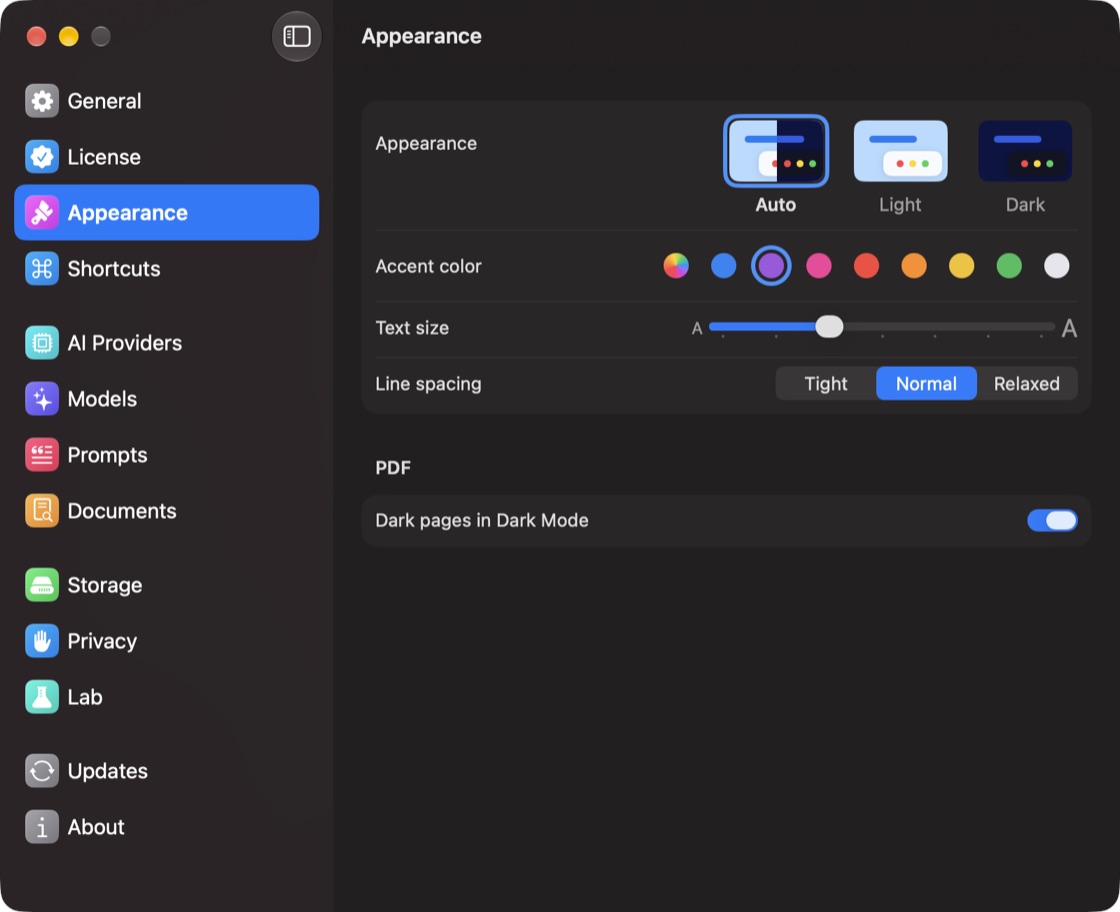
Choose Auto, Light or Dark, an Accent color, the conversation's Text size and Line spacing, and Dark pages in Dark Mode for documents.
The question field and toolbar
- Question field: right-click the buttons below it to show or hide Attach, Prompt Library, Reasoning Effort and Voice Input.
- Toolbar: choose View ▸ Customize Toolbar… to add Find in Conversation or Find in Document.
The Dock
Right-click PDF Pals in the Dock for Library, your recent chats, New Chat… and Open Document….
See also keyboard shortcuts.
