Prompts
Save questions you ask often, such as "Summarize this document", and insert them into any chat.
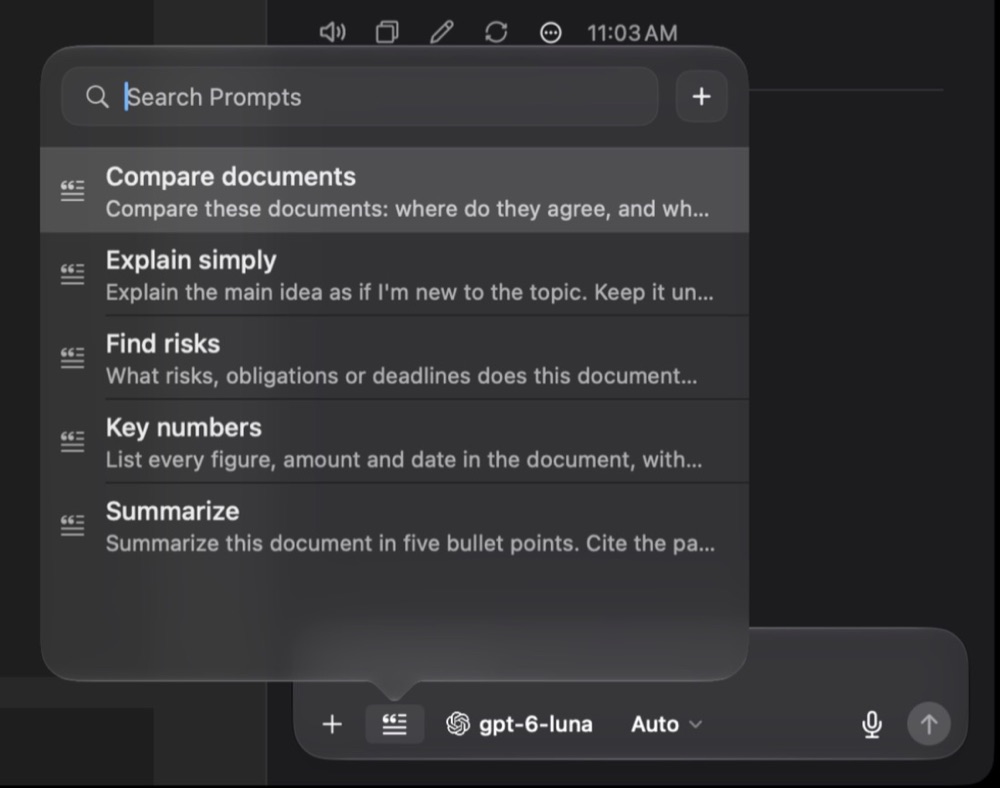
Insert a prompt
In a chat, click the Insert Prompt button next to the question field, or press ⇧⌘P. Type to search, use ↑ and ↓ to choose, then press Return. Edit the text if you like, and send.
Create and edit prompts
Open Settings ▸ Prompts, or click + in the picker.
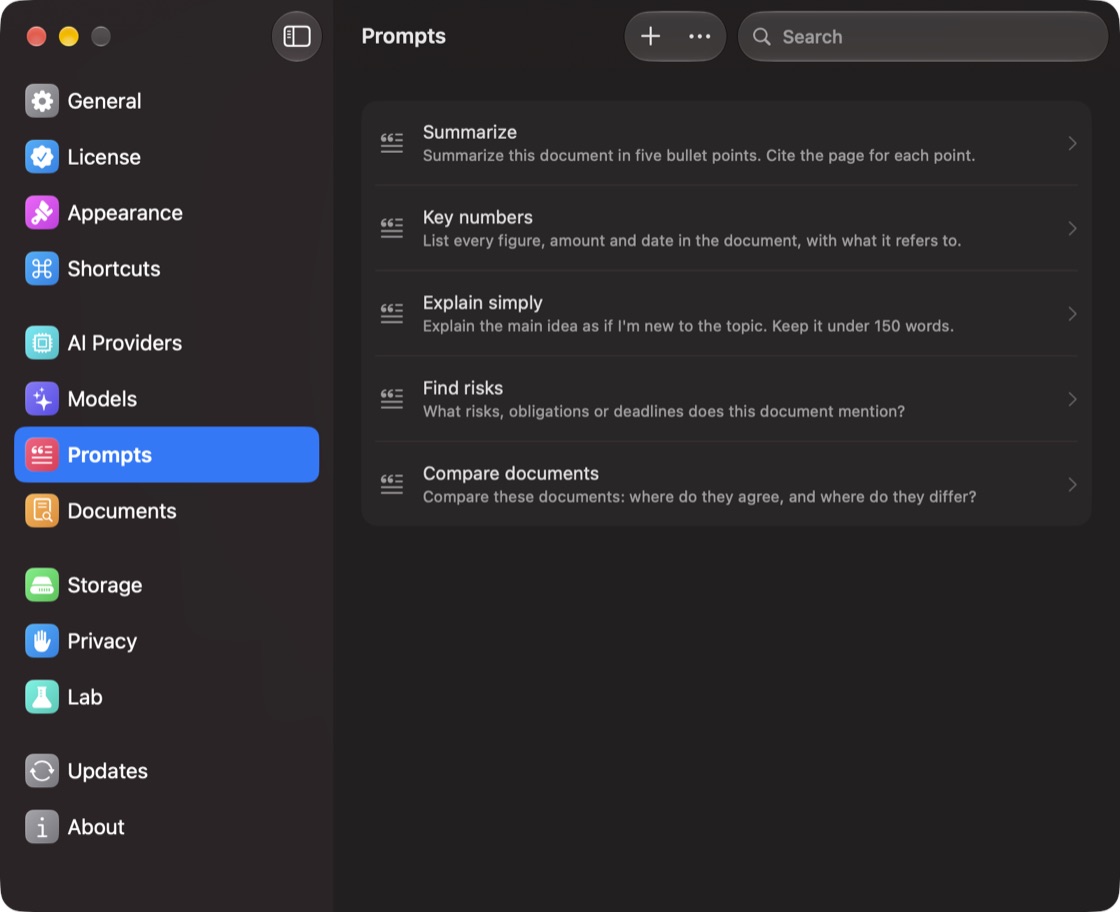
- Add: click +, then fill in Name and Prompt.
- Reorder: ⋯ ▸ Set Prompt Order…
- Duplicate or Delete: right-click a prompt.
Prompts from Classic come over with Import from Classic.
